Getting Access
Access to the Management Application is for paid AutoMerge subscribers only. Contact us if you are interested in starting a trial.
Signing in
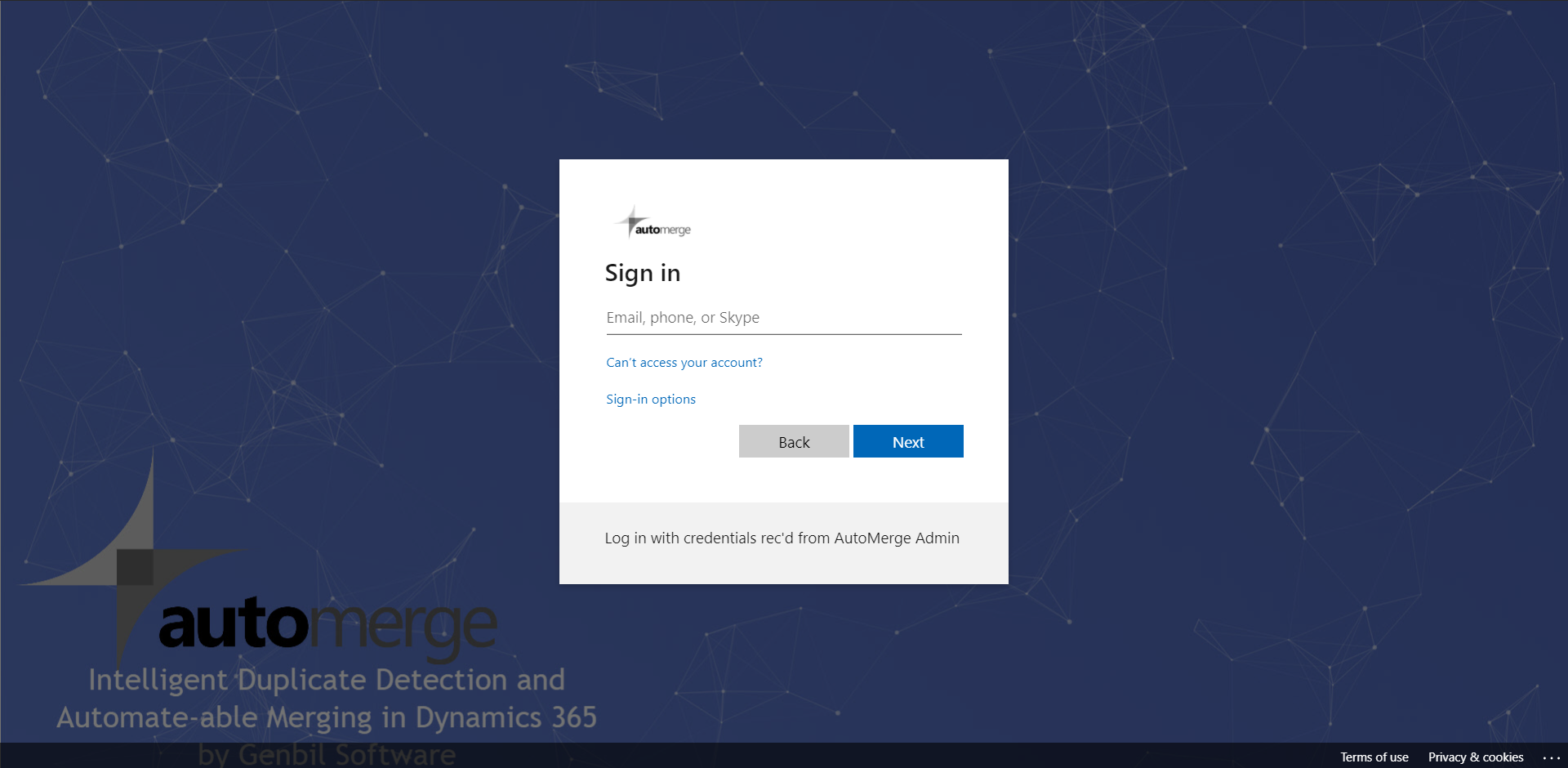
- Once you receive an invitation to connect to the AutoMerge Management Application, go to https://automerge.crm4.dynamics.com.
- Enter your usual Office 365 username.
- Enter your password on the subsequent domain-specific page.
tip
Bookmark automerge.crm4.dynamics.com. It is a separate Dynamics environment from your own CRM, so it will not appear in your normal app launcher.
Was this page helpful?